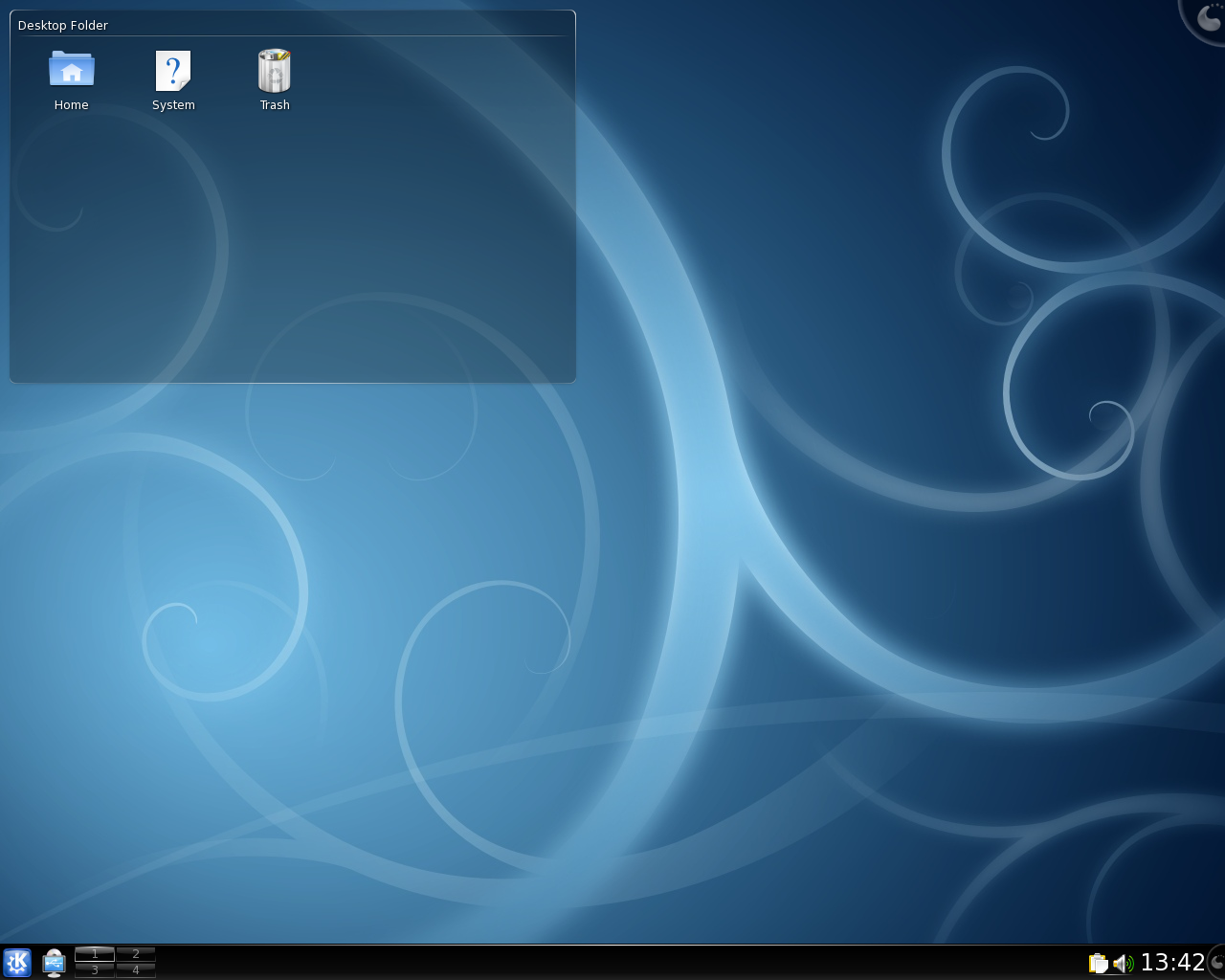
Some screenshots from my netbook

I’ve had my netbook for about two weeks now, and I absolutely love it. It’s small and light, it looks great and it outperforms my old Thinkpad. It’s a Samsung NC10.

Since I don’t have a nice camera, you won’t see any pictures of the actual computer here. However, I’ll share some screenshots that I took yesterday while using the netbook – maybe other netbook users can find some inspiration?

Show me your desktop!

I like clean desktops. Desktop Environment is KDE 4.2, and the NC10 is running Arch Linux.
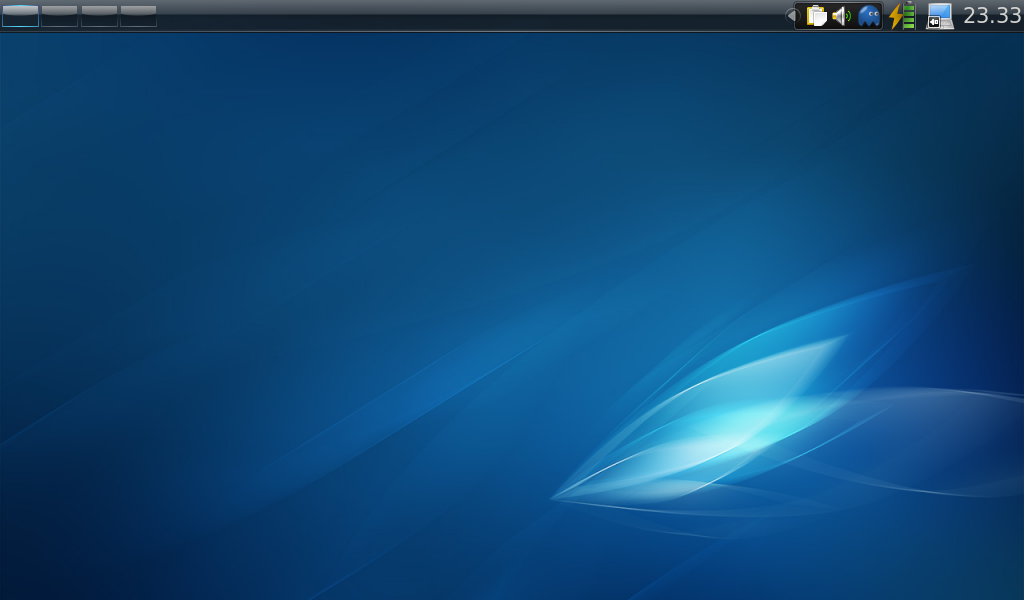
Clean Desktop

Clean Desktop

Read the rest of this entry »

Posted in Arch, KDE. 9 Comments »

Plasma – Desktop Icons in KDE 4.2

The new desktop in KDE4 works quite differently from what many are used to. One thing many new users wonder is, “How do the desktop icons work?” In this post I’ll share my experience with icons in Plasma-desktop.

Note: I use the latest development version of KDE4, which means that some things may look slightly different on your computer.

Let’s start with the most simple icon. If you just want a “normal” desktop with icons, see the section “Traditional Desktop”.

Read the rest of this entry »

The Answer

4.2

Congratulations to the KDE community, and a huge Thank You to everyone involved.

Plasma – How to remove the cashew

One of the major complaints of Plasma is that you can’t remove the annoying icon from your panels or desktop. Oh yes, I’m talking about the infamous Cashew of Plasma.

Before

This is a small guide on how to get rid of the cashews. You probably need version 4.1 of KDE or higher and know a little bit about how to use the terminal.

Read the rest of this entry »

Skim and scan

Three days have gone since I wrote the first post about Zetta, a new start menu for KDE4. I admit I expected more comments, especially since many complain about Kickoff; the huge amount of text probably scared away many potential readers. However, the few responses I received in the KDE forum was really helpful.

Today I’ll be talking about the two modes in the application view: skim mode and scan mode. I choose these names to give you an idea of what they’re for, but in Zetta they’ll most likely be addressed as icon view respective list view.

Read the rest of this entry »

Zetta – A new start menu

The Problem

Currently, KDE4 has three start menus: Kickoff, Traditional Menu and Lancelot. Then there’s Raptor, the menu everyone is waiting for.

With this many alternatives, is there really a need for another start menu? Since I’m writing this post, my answer would obviously be ‘Yes’. Among the three menus I’ve tried, the traditional KMenu is still my favorite. Granted, it’s the one I’m most used to, but the others bug me for one common reason: browsing among the applications is a pain.

Kickoff requires many clicks if you just want to see which applications you have installed on your system, something that many persons I’ve talked to dislike. While Lancelot’s solution is very interesting, it still doesn’t hit the sweet spot for me. And the Traditional Menu simply lacks some nice features the new menus have.

Read the rest of this entry »

Posted in KDE. 1 Comment »

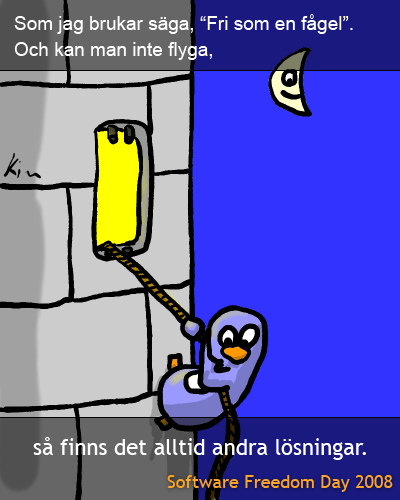
Software Freedom Day 2008

Hop, hop, hop… 311.

This is what happens when I have too many things to do.

Posted in Random. 1 Comment »

How Are You? or New Things I Love

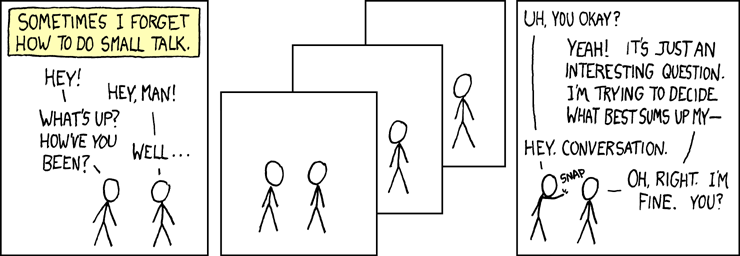
Have I ever mentioned that I read the webcomic xkcd?

I admit this isn’t the best strip, but it shows what I love about xkcd: that’s me! I usually try to avoid just answering “I’m fine thanks”, because that’s just plain boring. And most of the times isn’t really a honest answer at all.

Other than that, there are so many comics there which I can identify myself with. Almost all of them. (OK, maybe not all; can’t recall being strapped like that).

Guess I’m a geek after all.

Read the rest of this entry »

Broken umbrella

Tip of the day: don’t try to rolling hop a curb with an umbrella in your hand. At least not without practice.

On a side note, I’m quite comfortable on my new keyboard now. Typing about 30 wpm, ~57 % of my original qwerty speed. After a month. Not too bad. And my hands feel good doing it, no more awkward twists.

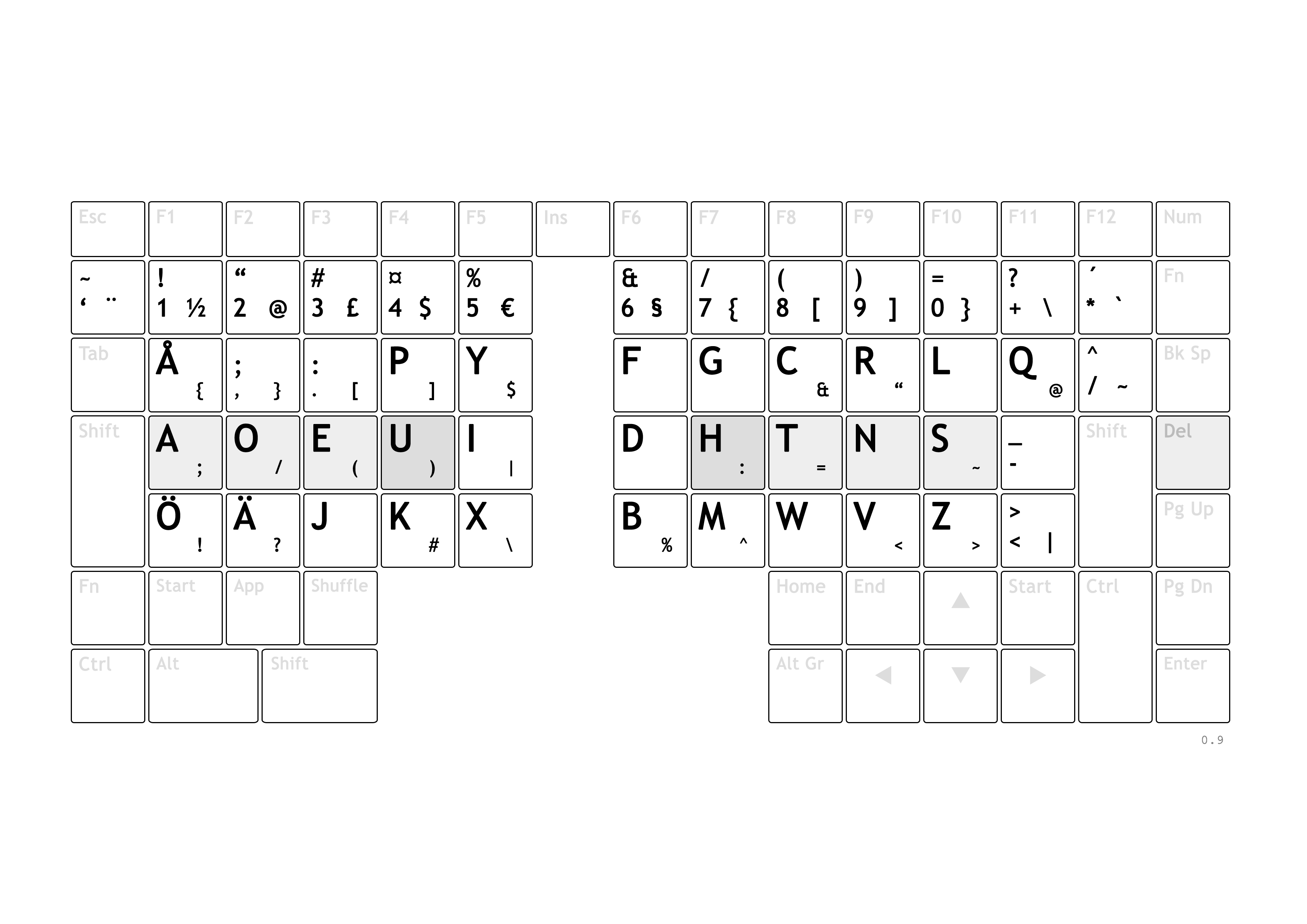
I said I was going to remap some keys, here’s the result; I’m pleased to introduce chvorak 0.9:

Click to enlarge

Note that I’ve omitted the backspace, enter and space key in the middle. You can’t see the function keys either (for example the numpad).

I’m really happy with the layout so far. The only thing I don’t really like is the placement of the apostrophe. It’s quite dangerous being between Esc and Tab, but in my opinion much better than the Svorak placement.