
With the release of KDE Software Compilation 4.4, many may feel tempted to give KDE Plasma Desktop (previously known as just “KDE”, see Repositioning the KDE Brand) a try. Plasma Desktop introduced in KDE SC 4 behaves quite differently from other popular desktop workspaces, and without doubt many new users will feel slightly lost and confused the first time.
I’ve gathered some tips for new users to get a more familiar desktop, based on frequently asked questions I’ve seen in various places. This is in no way a “10 things you should do” list – it’s up to you to decide which way you like better.
The post is mainly aimed at those who are new to Plasma Desktop, but even experienced users might learn something new.
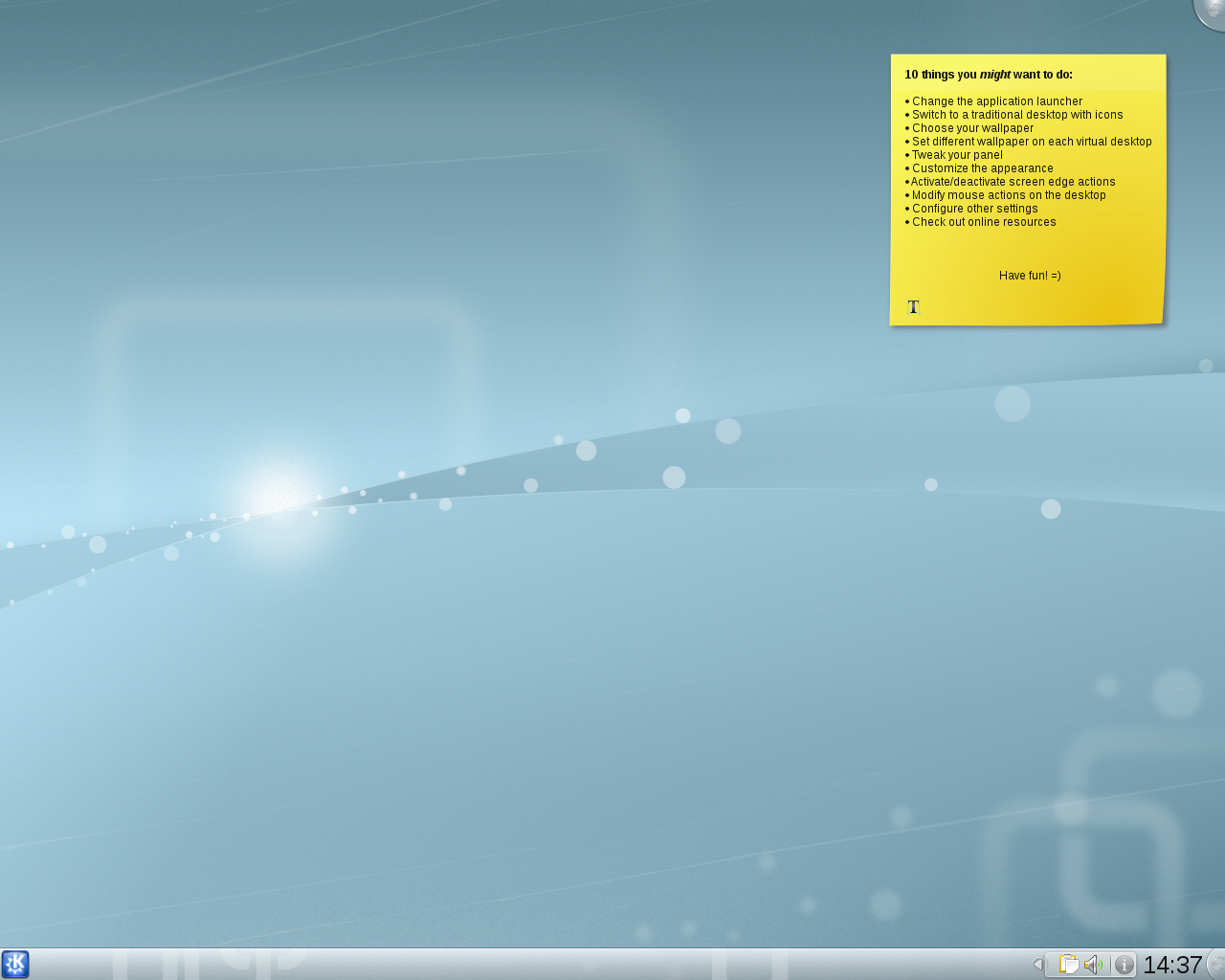
KDE Plasma Desktop
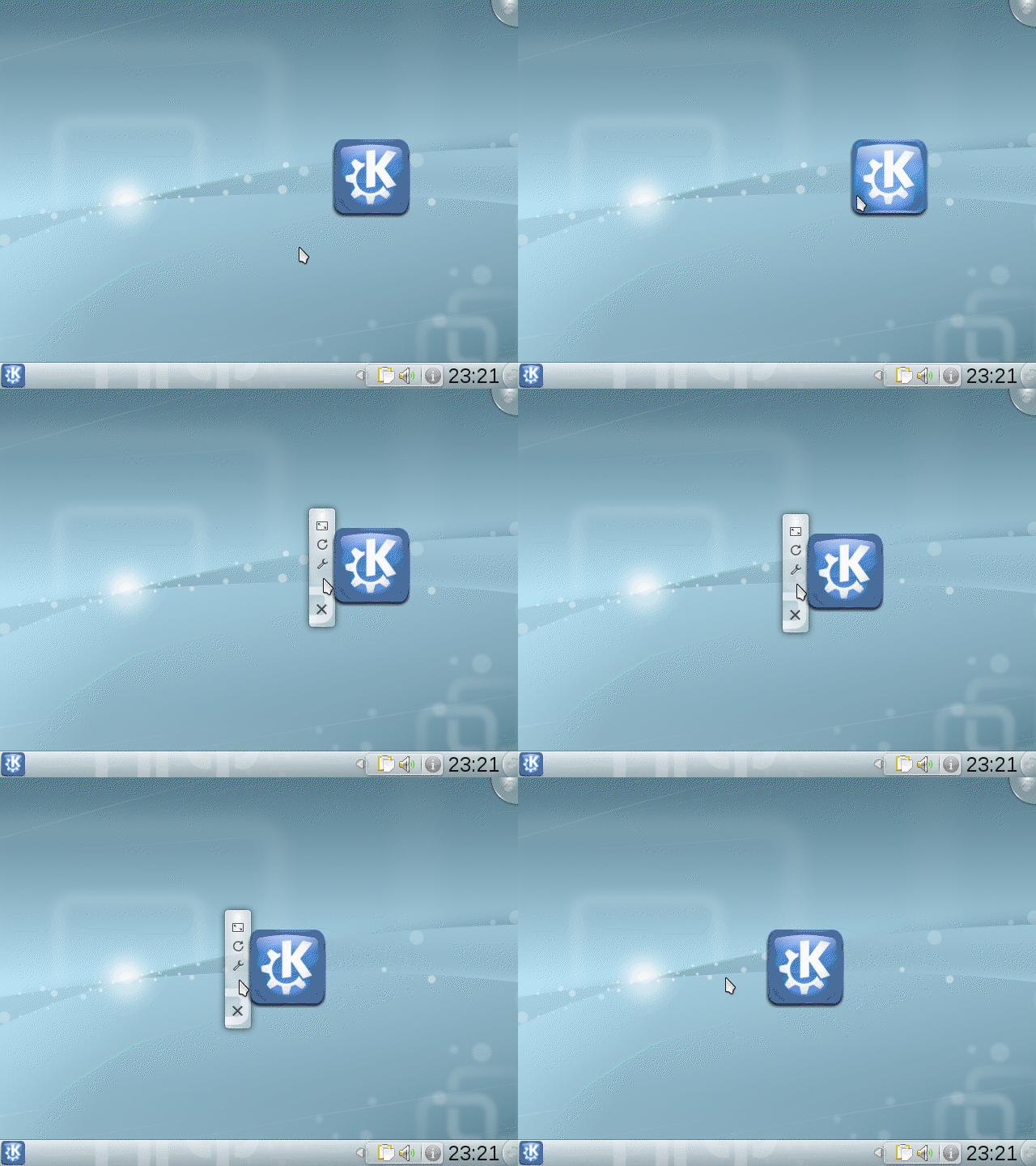
Just a short note before we begin: the images with a play button are linked to short screencasts – just click to watch them. The screencasts are encoded in GIF and can therefore be played in most web browsers without any additional plugins. The downside is that the quality is quite poor, hope you can bear with it.
Without further ado, here are 10 things you might want to do in KDE SC 4.4:






 Who Says Penguins Can't Fly?