Because “m00” just doesn’t sound right

Posted in Random. Tags: . Leave a Comment »

Almost like Christmas

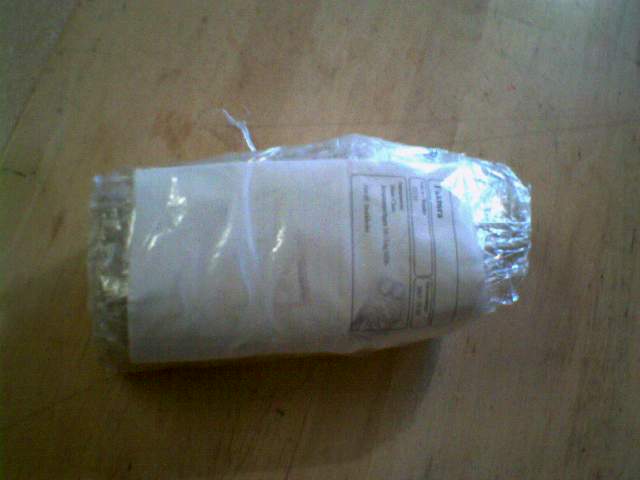
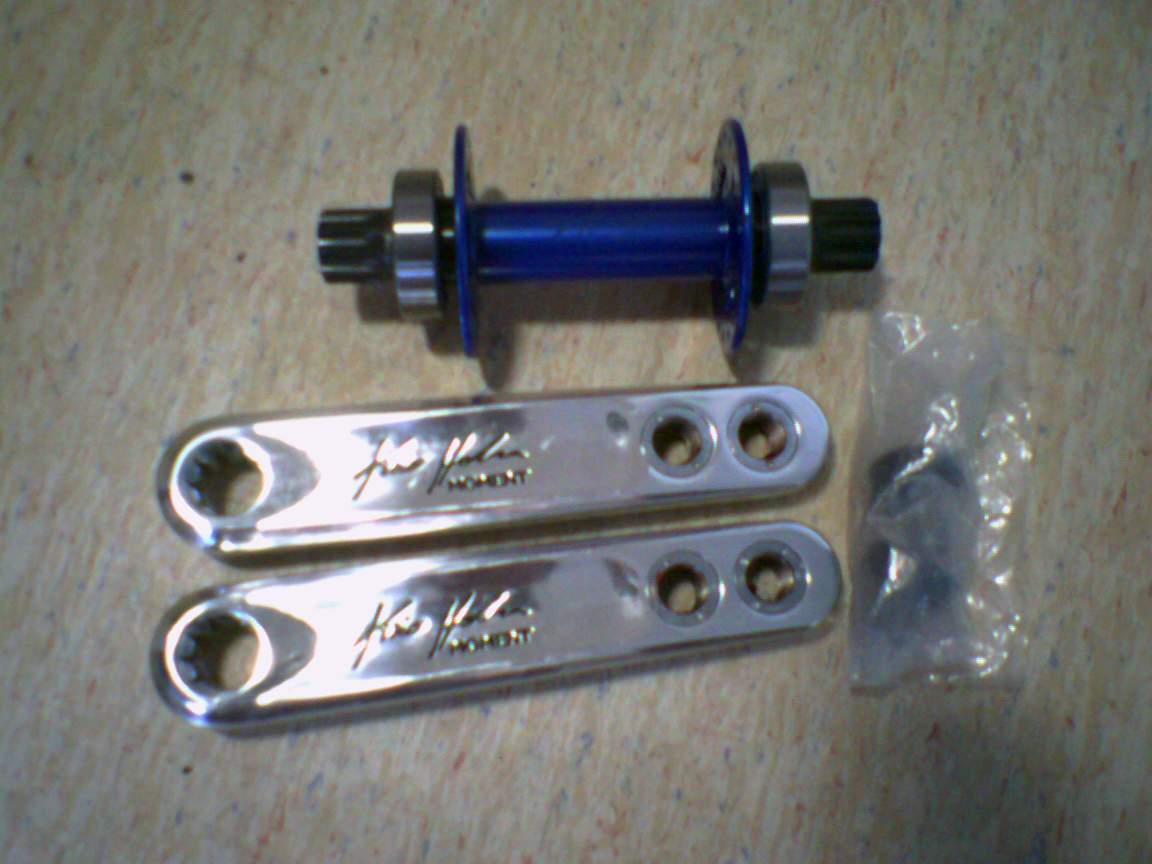
The stuff I ordered finally arrived yesterday – what a joy! So, what exactly did it contain? If 1 picture > 1000 words <=> 3 pictures > 3000 words:

It’s not very large, but the package didn’t fit in the postbox

package.jpg

Wrapped pretty tightly in plastic

package2.jpg

*drumwhirl*

package3.jpg

“You should’ve invested in a better camera” you may think, but don’t you agree that low-quality photos taken with the mobile phone are pretty charming? No? Me neither.

Anyway, what exactly is it? Well, if you can’t tell by looking at the pictures, I see little point in teilling you. *Hint* Maybe they’ll appear on this blog again, in another context.

By the way, let me notice you that K/Ubuntu 7.10, know as Gutsy Gibbon, is going to be released tomorrow. Hooray!

No snow

But it did rain a lot today. It was really fun to ride with an umbrella – just a tip: don’t use it when riding into headwind if you’re a beginner like me.

I’m looking forward to tomorrow – hopefully I’ll receive my secret package. You wonder what it’ll contain? Maybe I’ll post a photo when I get it (with my crappy mobile camera). Yeah!

IN RAINBOWS

In Rainbows

Where have all the screensavers gone?

Long time passing

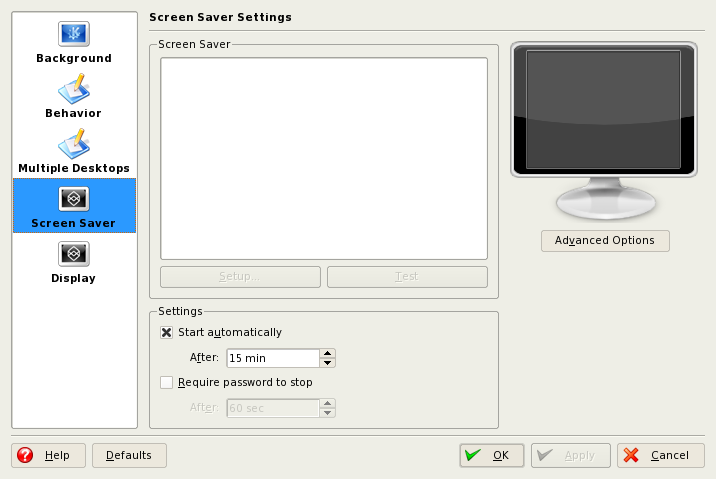
So, I’ve had this problem a long time and never bothered fixing it. It’s about screensavers in KDE. More specifically, the non existing screensavers – when I try to configure them, all I get is an empty list.

Screensavers

Apparently, this problem was user specific. By creating a new user, I could confirm that the screensavers still were there. So, it has to be a config file I thought, and started digging in ~/.kde.

The ~/.kde/share/config/kdesktoprc looked suspicious, so I deleted it. Or rather, I renamed it to kdesktoprc2 to let KDE recreate the file. But still no screensavers.

Then I stumbled upon this bug report. I tried to delete (once again, I renamed it to keep the original one as a backup) ~/.local/share/desktop-directories and ~/.config/menus. Warning! This will reset KMenu to its default settings.

After logging out and in again, I found that my screensavers were back (not sure if you have to log out though). Neat. Now I’m going to change my screensaver from the analog clock to something more flashy.

Compiz Fusion and Beryl on Slackware 12

Finally got those nifty window managers to work on my Slackware computer! It runs pretty smoothly, despite my old graphic card (Nvidia GeForce FX 5200).

I still miss some features from KWin, but plugins such as Scale and cube goodness make Beryl worthwhile.

That’s right, I use Beryl instead of the new shiny Compiz Fusion. Why you ask? I actually started with the latter one, but there were many things that annoyed me. Now I’ve switched back to KWin, simply because I couldn’t live without some of its features. Anyway. If you prefer eyecandy, I suggest you to use Compiz Fusion rather than Beryl since the latter one is highly outdated.

Don’t expect me to describe how to get these eyecandy to work in Slackware 12 – there are already many guides. However, I can tell you which ones I used.

Compiz Fusion

1. First, you have to fix drivers for your graphic card and configure xorg.conf. Read more about it here.

2. Before installing Compiz Fusion, I removed the default Compiz version included in Slackware 12 with pkgtool. Then I installed Compiz Fusion using the Slackware packages here. I also installed pygobject, pygtk-2.10.6 and pycairo packages which you can get here.

For Slackware 12.1 users, you can find Compiz Fusion here. Make sure to have the following dependencies installed: orbit2, gconf, intltool, libsexy and sexypython.

3. Whisper a prayer and run the following command in a terminal:

compiz --ignore-desktop-hints --replace ccp &

If the window decorations don’t show up, try (if you use KDE)

kde-window-decorator &

Or you can install Fusion Icon. Then you only have to run

fusion-icon

Reference: Post from LinuxQuestions

Beryl

After using Compiz Fusion a while, I realized that I liked Beryl more (which I use on my Kubuntu laptop). So, next problem was to fix Beryl for Slackware. I was lucky to avoid dependency problems, but you might need some of the packages I mentioned in the Compiz Fusion section.

1. The same applies to Beryl; if you want to use it, you have to fix your drivers. Read more here.

2. To install the packages, I used this script. Download it, make it executable and let it do its magic.

3. Now you can run

beryl-manager

and hope for the best.

Wow, a post about Compiz Fusion and Beryl without screenshots? That’s unusual.

Updated on 2008-10-22: Fixed some links and also wrote briefly about Compiz for Slackware 12.1.

Level up

Obtained two new skills today: bunny hoping and suicide mount. Especially the first one will become very useful after more practice.

Tomorrow I’m going to try idling again. I made some attempts  to idle today; at one time I even felt that nice feeling, “hey I can do this!, but then I fell to the ground. Well, guess that means that I have to train more.

10 things to do before I [random nice saying]

I don’t really have an ultimate goal of life, nor some kind of dream. Sounds pretty boring, doesn’t it? I can see how I’m heading in a certain direction, but there’s no end in sight. And I guess I’m happy with that.

I wasn’t even going to write something like this in the first place. But now you can understand what kind of list I’m going to write; it isn’t a list of goals I have to achieve, and if it was a todo list you would think that I’m pretty weird, wouldn’t you? Maybe you already do.

Basically, it goes like this: I have lots of stuff to do, and it’s getting late. So I’ve decided to write a useless list just to kill some time. I think it sounds pretty reasonable, so here it goes (in the order they appeared in my somewhat tired brain (quantum physics really makes you dizzy; perfect if you feel everything else isn’t confusing enough))

“10 Things”

1. Ascend in Nethack. Without reading spoilers or such.
2. Write my own, unique, plasmoid.
3. Reach at least level 250 on GNUjump, or rather XJump, as I prefer the latter one. Huzzah!
4. Be able to play Recuerdos de la Alhambra decently.

5. Learn how to glide on a certain vehicle.
6. Finish reading The Feynman Lectures on Physics series.
7. Help developing amazing applications such as Amarok, or maybe start a new project (I have some ideas, but unfortunately not the time)
8 … Write that damn KTips post. (!)

So I ended up with 8 things. Too bad. Gotta do some math now, good night everyone.